
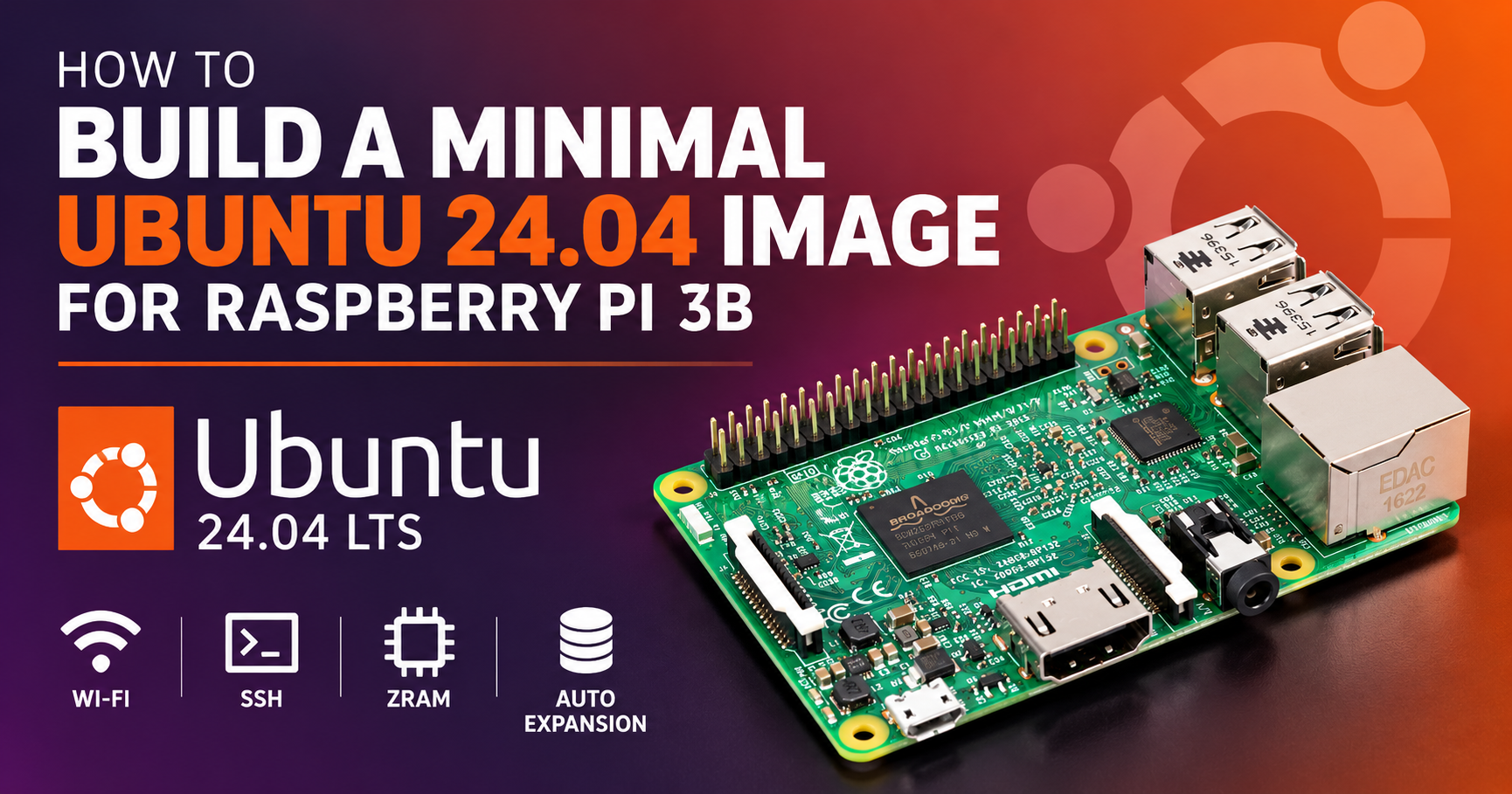
In this guide, I’ll show you how to build a custom minimal Ubuntu 24.04 LTS image for the Raspberry Pi 3B from the official Ubuntu Base ARM64 root filesystem. The image includes a 64-bit Raspberry Pi kernel, working onboard Wi-Fi, SSH, ZRAM, hardware RNG, automatic root filesystem expansion, and only the kernel modules needed by the Pi 3B.
I built and tested the finished image on a real Raspberry Pi 3B, including headless Wi-Fi boot, SSH access, DNS and Internet connectivity, first-boot filesystem expansion, and unique SSH host-key generation.
Why Build Your Own?
Ubuntu’s standard Raspberry Pi images are designed to support a wide range of hardware and use cases. That’s convenient, but it also means they include components you may not need on a dedicated Raspberry Pi 3B.
Building from Ubuntu Base gives you more control over exactly what goes into the system. This build provides:
- A smaller installation — the tested system uses roughly 663 MB of its root filesystem after first boot.
- 64-bit ARM support — using
kernel8.imgand the matching ARM64 kernel modules. - Working onboard Wi-Fi — including the Broadcom BCM43430 firmware required by the Raspberry Pi 3B.
- Headless access — Wi-Fi and SSH are configured so the Pi can be used without a monitor or keyboard.
- Automatic filesystem expansion — the root partition expands to fill the SD card on first boot.
- ZRAM and hardware RNG support — useful on the Pi 3B’s limited hardware.
- Fewer unnecessary kernel modules — only the module tree matching
kernel8.imgis copied into the image.
What You’ll Need
Affiliate disclosure: Some links below are affiliate links. If you purchase through them, I may earn a commission at no additional cost to you.
Before starting, you’ll need:
- Raspberry Pi 3B
- MicroSD card — 8 GB or larger is recommended
- Reliable 5V Raspberry Pi power supply
- A computer running Ubuntu 24.04 or WSL2 with Ubuntu 24.04
- Internet connection for downloading Ubuntu Base, Raspberry Pi firmware, and packages
- MicroSD card reader for flashing the finished image
The build system also needs several packages. Install them with:
sudo apt update
sudo apt install -y \
    wget git parted dosfstools e2fsprogs \
    qemu-user qemu-user-binfmt binfmt-support \
    xz-utils
If you want faster parallel XZ compression of the finished image, you can optionally install pixz:
sudo apt install -y pixzWSL2 users: Keep the project in the Linux filesystem, such as
~/build_manual, rather than building from/mnt/c/or another Windows-mounted directory. The build uses Linux filesystems, loop devices, mounts, permissions, and chroot operations.
The Build Process
The entire process is automated in a single bash script. Here is a breakdown of what it does:
1. Download and Verify
The build starts with the official Ubuntu Base 24.04.5 ARM64 root filesystem. The script downloads the archive and verifies its SHA256 checksum before continuing.
It also downloads the official Raspberry Pi firmware repository and pins it to release 1.20260521, the same release used for the tested build. Pinning the firmware release keeps the kernel, modules, and boot files reproducible instead of allowing a future upstream change to silently alter the image.
For the Raspberry Pi 3B’s 64-bit kernel8.img, this release provides kernel 6.18.32-v8+. The script automatically identifies the matching module tree, so the kernel version itself does not have to be hard-coded.
2. Disk Image Creation
The script creates a 2 GB raw disk image and partitions it using an MBR partition table:
- 256 MB FAT32 boot partition for the Raspberry Pi boot files, kernel, and device trees.
- Remaining space as EXT4 for the Ubuntu root filesystem.
The partitions are formatted with the labels BOOT and cloudimg-rootfs. The image is then attached to a loop device and both partitions are mounted so the Ubuntu root filesystem and Raspberry Pi boot files can be installed.
The 2 GB size is intentionally larger than the finished installation requires. This provides extra working space while packages are installed during the build. On first boot, the root partition automatically expands to use the available space on the microSD card.
3. Formatting and Mounting
The script attaches the image to a loop device so its partitions can be accessed like a physical disk. It then formats the first partition as FAT32 with the label BOOT and the second as EXT4 with the label cloudimg-rootfs.
Both partitions are mounted, and the Ubuntu Base ARM64 root filesystem is extracted into the EXT4 root partition.
4. Chroot Environment Setup
After extracting Ubuntu Base, the script bind-mounts /dev, /dev/pts, /proc, and /sys into the new root filesystem.
Because Ubuntu Base is ARM64 and the build computer may be x86-64, the script verifies that qemu-aarch64 and ARM64 binfmt support are available on the host. Linux can then transparently execute ARM64 binaries inside the chroot while the image is being built.
The script temporarily provides the chroot with working DNS resolution, enters the ARM64 environment, updates the Ubuntu package lists, and installs the packages needed by the finished Raspberry Pi system.
5. Installing the Raspberry Pi Kernel & Firmware
The script copies the boot files from the pinned Raspberry Pi firmware release into the image’s FAT32 boot partition. The Raspberry Pi 3B is configured for a 64-bit boot using kernel8.img.
Rather than copying every available Raspberry Pi kernel module tree, the script reads the kernel release associated with kernel8.img and copies only its matching modules. With the tested 1.20260521 firmware release, this selects:
6.18.32-v8+This reduces the installed kernel modules from roughly 140 MB to about 29 MB while keeping the kernel and modules correctly matched.
The image also installs Ubuntu’s linux-firmware-raspi package for Raspberry Pi device firmware. For the Pi 3B’s onboard Broadcom BCM43430 Wi-Fi, the script decompresses the required firmware files so they are available in the format expected by the Raspberry Pi kernel.
6. System Configuration and Optimizations
The finished image includes several configurations intended specifically for a Raspberry Pi 3B:
- ZRAM: Configures compressed swap equal to 50% of system RAM, helping make better use of the Pi 3B’s limited 1 GB of memory.
- Hardware RNG: Configures
rng-tools-debianto use/dev/hwrngas an entropy source. - Hardware Watchdog: Enables the Raspberry Pi hardware watchdog through
config.txt. - Automatic Root Expansion: On the first boot, the root partition and EXT4 filesystem automatically expand to use the available space on the microSD card.
- Unique SSH Host Keys: Build-time SSH host keys are removed. New keys are generated automatically on the first boot so cloned images don’t share the same SSH identity.
- Automatic Wi-Fi: NetworkManager and Netplan configure the Pi to connect to the Wi-Fi network specified in the build script.
The first-boot filesystem expansion and SSH host-key services automatically disable themselves after completing successfully.
Configure Your Wi-Fi
Before running the build, open the script and replace these two placeholders with the Wi-Fi network the Raspberry Pi should connect to:
WIFI_SSID="YOUR_SSID"
WIFI_PASSWORD="YOUR_PASSWORD"
For example:
WIFI_SSID="MyWiFiNetwork"
WIFI_PASSWORD="MyWiFiPassword"
The credentials are written into the finished image so the Raspberry Pi can connect automatically during a headless first boot.
Security note: Your Wi-Fi password will be stored in the resulting image. Do not distribute a customized image containing your personal Wi-Fi credentials. If you plan to share the image, build it using placeholders or remove the credentials first.
Build the Image
Make the build script executable:
chmod +x build_manual.shThen run the builder as root:
sudo ./build_manual.shThe script will download and verify Ubuntu Base, retrieve the pinned Raspberry Pi firmware release, create and partition the disk image, install and configure the ARM64 system, and compress the finished image.
Depending on your computer and Internet connection, the build may take several minutes. Package installation inside the ARM64 chroot is performed through QEMU emulation, so this portion of the build can take some time.
When the build completes successfully, you should see:
Done! Image is ubuntu-24.04.5-rpi3-minimal.img.xzIf pixz is installed, the script uses it for parallel XZ compression. Otherwise, it uses multithreaded xz. If neither is available, it falls back to gzip.
The resulting compressed image is ready to be written to a microSD card for your Raspberry Pi 3B.
Flash the Image to a MicroSD Card
After the build completes, write the compressed image to a microSD card using Raspberry Pi Imager, balenaEtcher, or another image-writing utility that supports .xz images.
Select the finished image:
ubuntu-24.04.5-rpi3-minimal.img.xzChoose your microSD card as the destination and write the image.
If you use Raspberry Pi Imager, you do not need to configure the username, password, Wi-Fi, or SSH through Imager. Those settings are already configured by the build script.
When flashing is complete, safely eject the microSD card, insert it into the Raspberry Pi 3B, and power it on. Continue with the First Boot and SSH Login section below.
First Boot and SSH Login
After flashing the finished image and powering on the Raspberry Pi, allow it a short time to complete its first-boot setup and connect to Wi-Fi.
The default login created by the build script is:
Username: ubuntu
Password: changeme
Find the Pi’s IP address from your router or DHCP server, then connect from another computer:
ssh ubuntu@YOUR_PI_IPImmediately after your first login, change the default password:
passwdImportant: The default
changemepassword is intentionally not forced to expire so that the first headless SSH login remains straightforward. Change it immediately after connecting, especially before exposing the Pi to any untrusted network.
The Result
The finished image was built and tested on a real Raspberry Pi 3B. On the final test build, the installed root filesystem used approximately 663 MB after first boot.
The Raspberry Pi successfully:
- Booted the 64-bit
6.18.32-v8+kernel - Connected automatically using the Pi 3B’s onboard Wi-Fi
- Obtained network connectivity through NetworkManager and Netplan
- Provided headless SSH access
- Generated unique SSH host keys on first boot
- Expanded the root filesystem to fill the microSD card
- Configured approximately 50% of RAM as ZRAM
- Used the Raspberry Pi hardware RNG
- Completed boot with zero failed systemd units
Only the kernel module tree required by kernel8.img is included. In the tested build, /lib/modules occupied approximately 29 MB instead of carrying the additional Raspberry Pi kernel variants.
More Raspberry Pi 3B Projects
If you’re looking for another Raspberry Pi 3B project, I also have a guide showing how to [build a portable Raspberry Pi OpenWrt travel router], using the Pi’s onboard Wi-Fi together with a USB Wi-Fi adapter to create a private network for your devices.
Download the Build Script
You can download the complete build script used in this guide below: